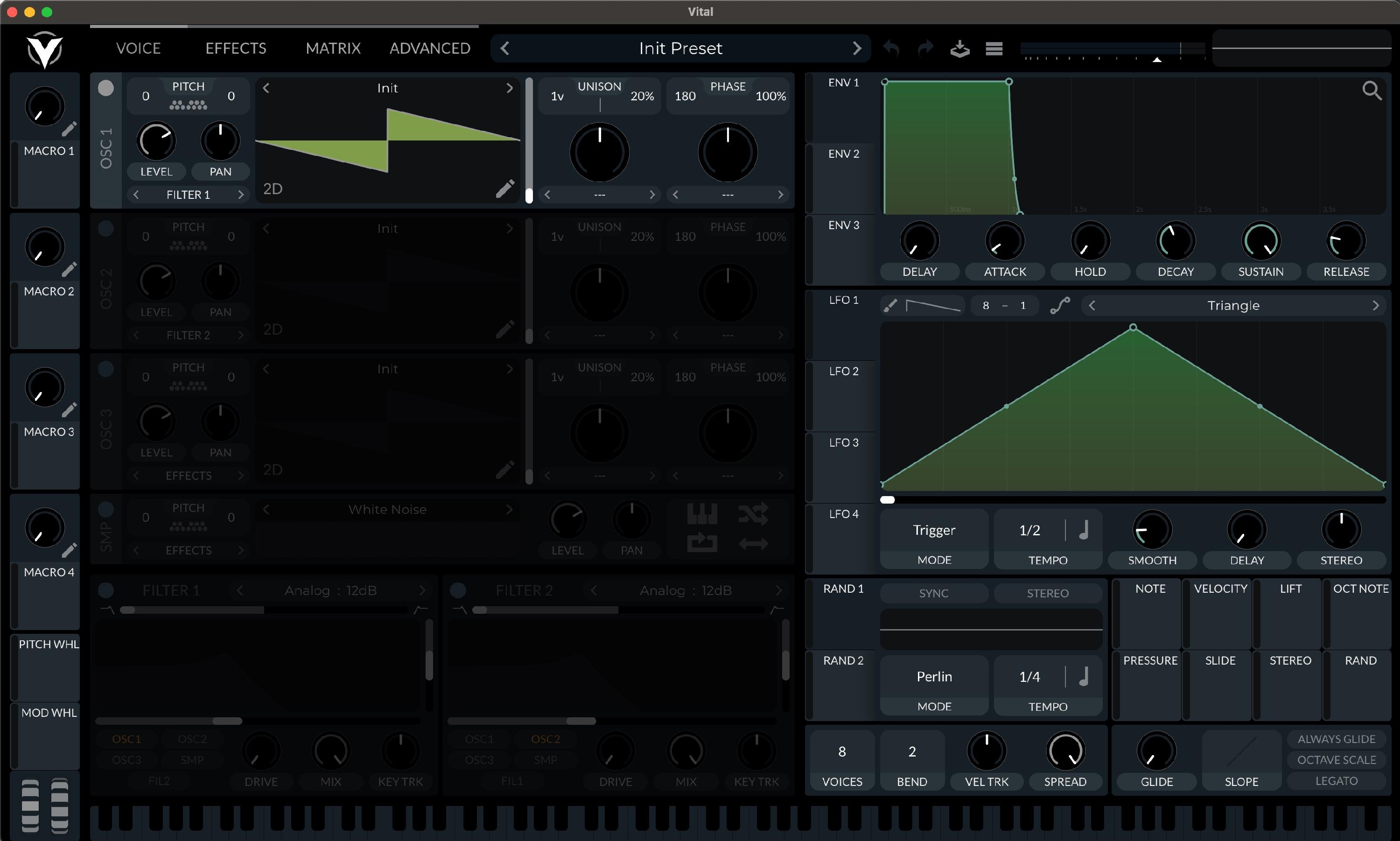
How To Install Presets and Themes for Vital
How to Install Presets
-
Open Vital (either standalone or plugin), click on the Menu button (3 horizontal lines), and choose "Import Bank".

-
Navigate to the folder with your Vital patch bundle (file extension .vitalbank) and open it.

-
To load the new patches, click on the patch name to open the Preset Browser.

-
Find the product folder in the left-side search area, and then click on any patch name to load.


How to Install a Custom Theme
-
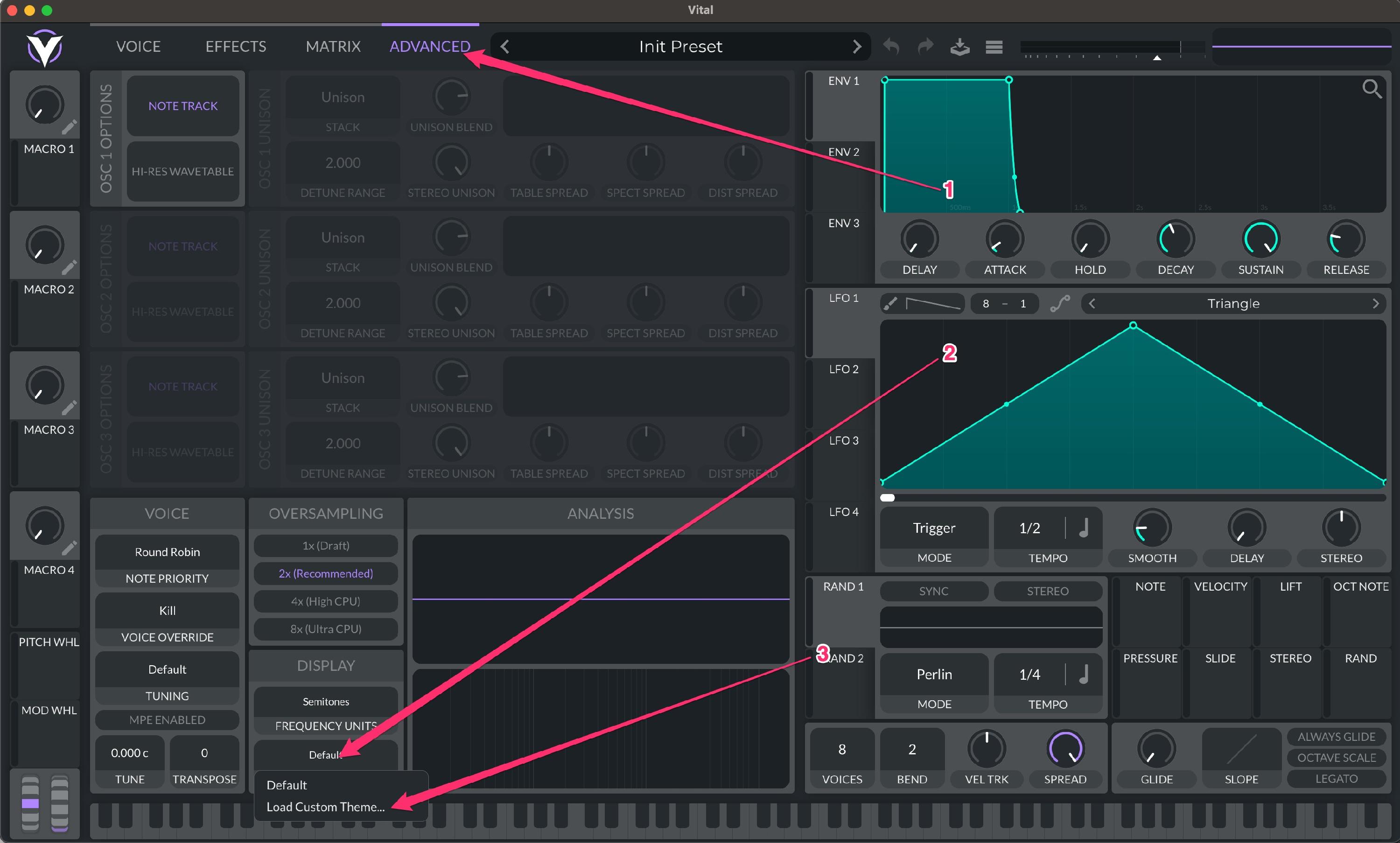
Click "Advanced" and then "Theme. Select "Load Custom Theme..." and choose your theme file (file extension .vitaltheme).
-
Enjoy your new theme! You can always go back to the default theme at any time.