How to Install Patches in Omnisphere
-
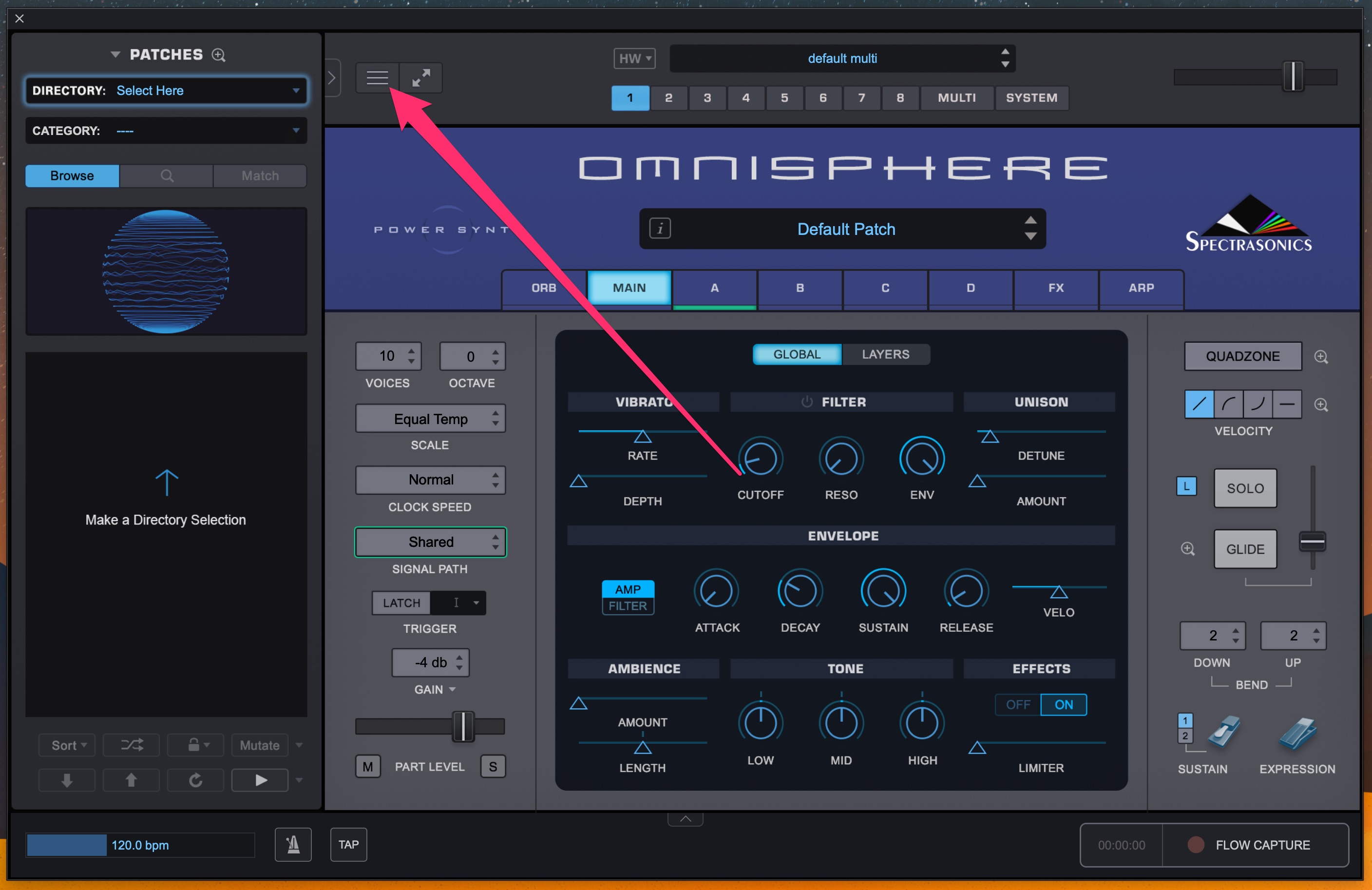
Open Omnisphere, either the standalone app or the plugin in your DAW. Open the Utility Menu.
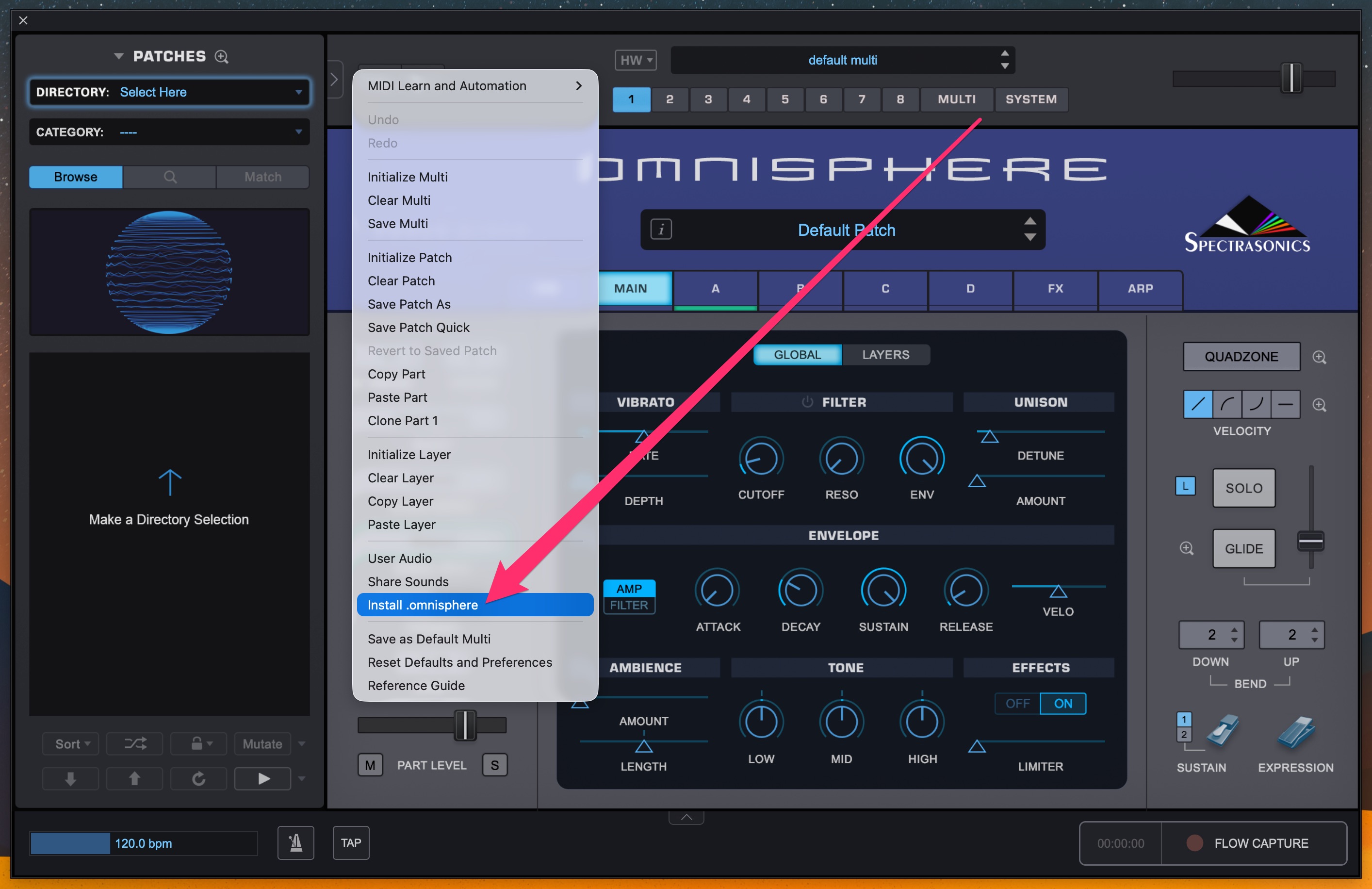
- Select Install .omnisphere, and choose your file.

Open Omnisphere, either the standalone app or the plugin in your DAW. Open the Utility Menu.
Still need help? Contact Us Contact Us